Beam makes praise and feedback a normal part of the week, not a once-a-year event.
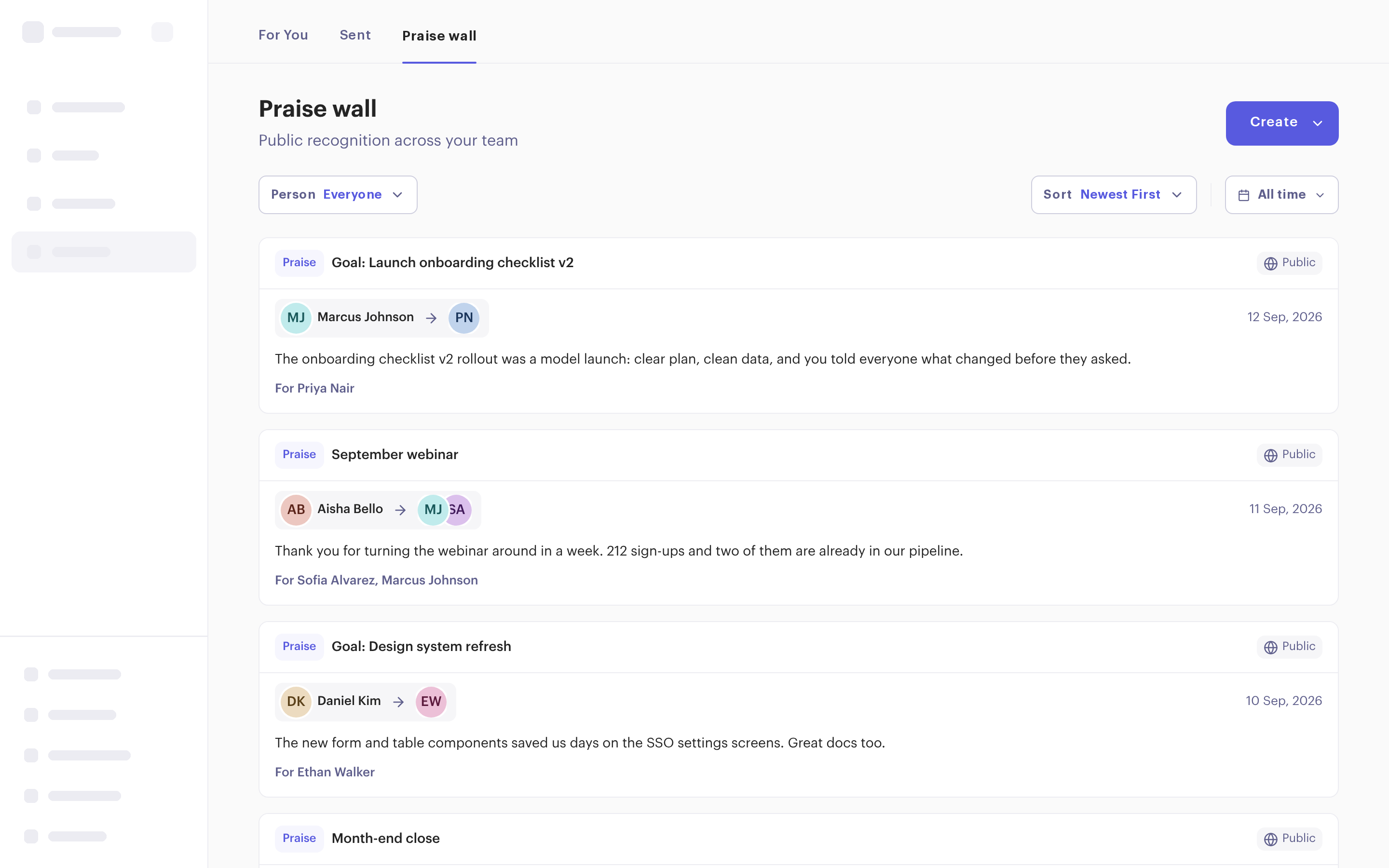

Thank one person or several on the praise wall, where the whole workspace can see it.

Tell someone what went well or what to change. It stays between the two of you, or includes their manager.

Ask a colleague for feedback on a goal or anything you’re working on.
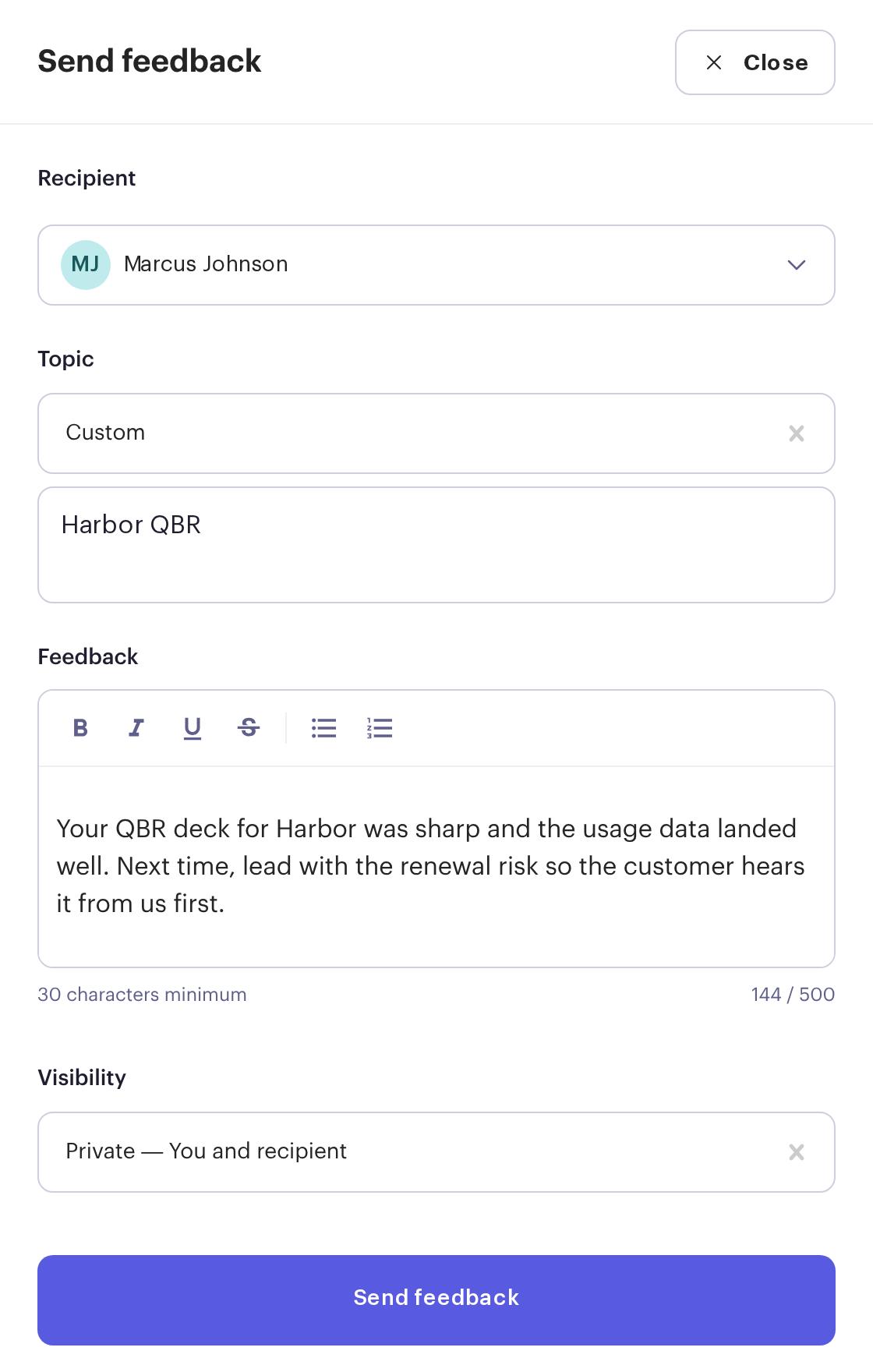
Send feedback to one person about a goal or any topic. Keep it private between the two of you, or let their manager see it too.
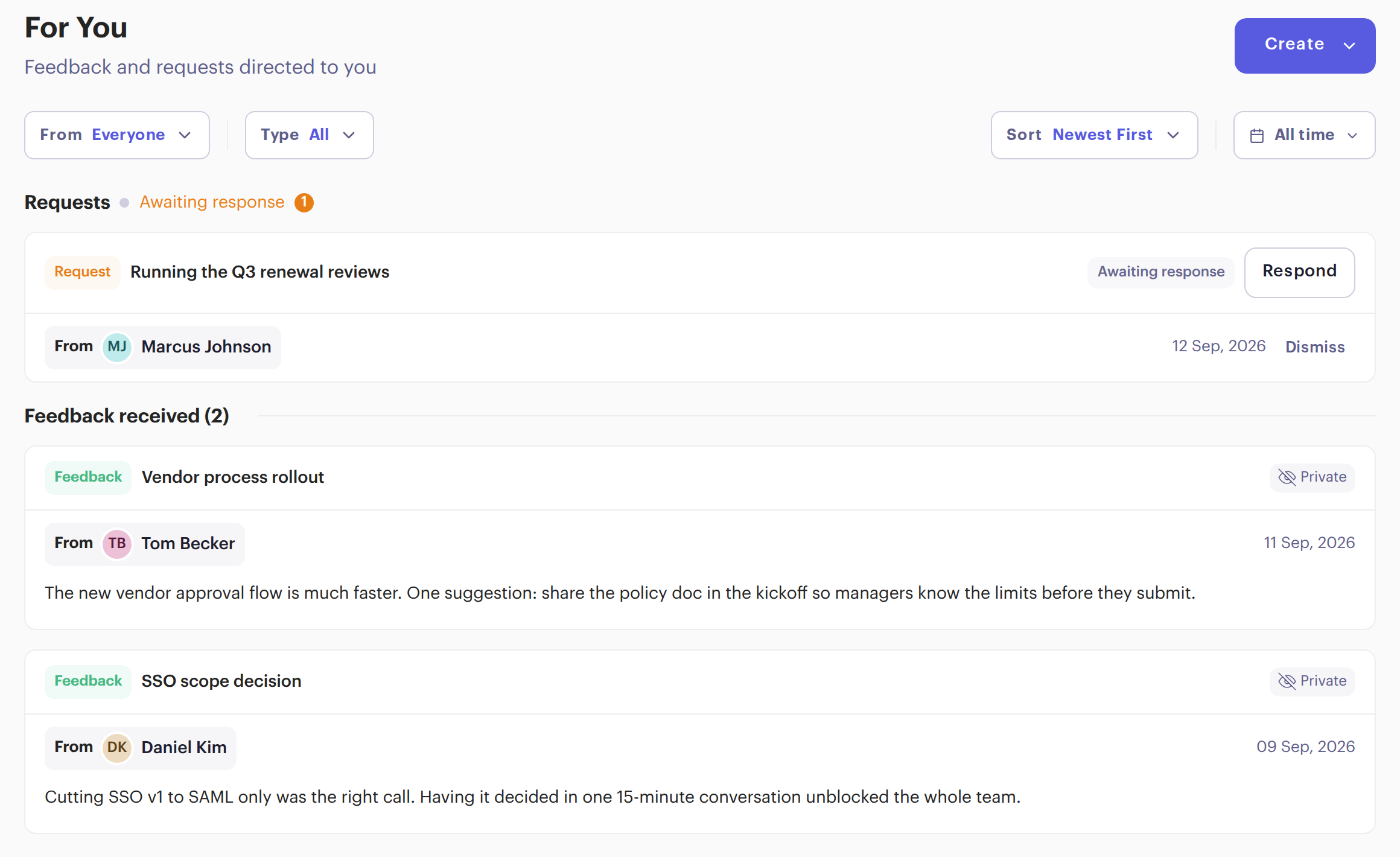
Request feedback on a goal or any topic. It waits at the top of your colleague’s For You tab with a Respond button, and shows as awaiting response until they reply.
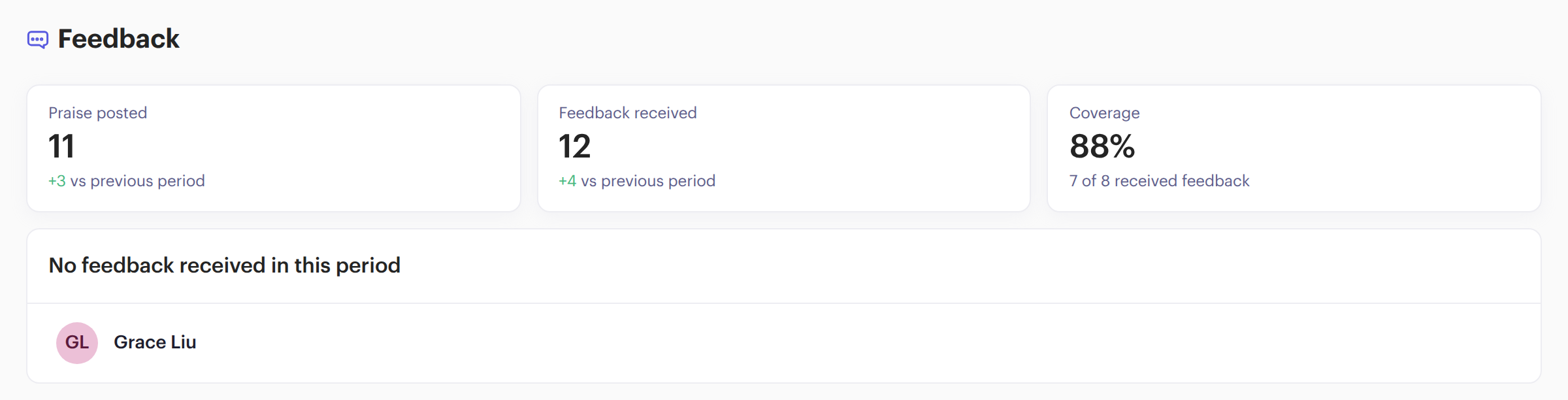
The Manager Overview shows praise posted, feedback received and the share of your team that got feedback this period, with the names of anyone who didn’t.
See the Manager Overview →Something else? Book a demo and we’ll show you how teams use it.
Need a starting point? Get our free Feedback Framework Template.
Praise is public to everyone in your workspace. Feedback is private to you and the person you send it to, unless you choose to share it with their manager too.
Yes. Link praise, feedback or a request to a goal, or give it a topic of your own.
No. Praise and feedback always show who sent them.
It shows at the top of the person’s For You tab with a Respond button, and as awaiting response in your Sent tab until they reply.