Set company goals, align every team’s and person’s goals to them, and see each week which ones are on track.
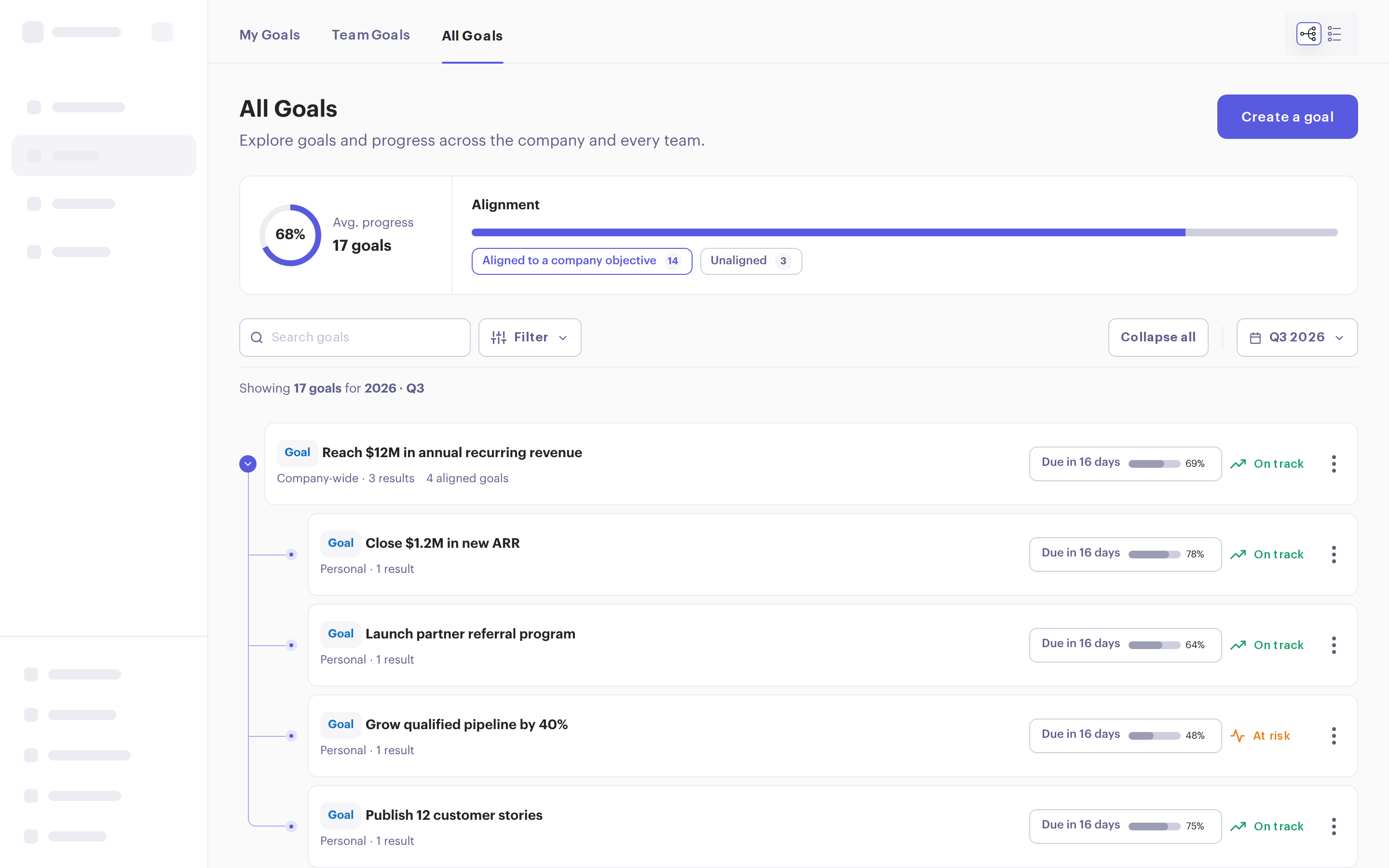
Set a goal with up to five key results, each measured as a percentage, a number, an amount, or simply done or not done. Or track a KPI: one number that goes up or down. Make it personal, for a group, or company-wide.
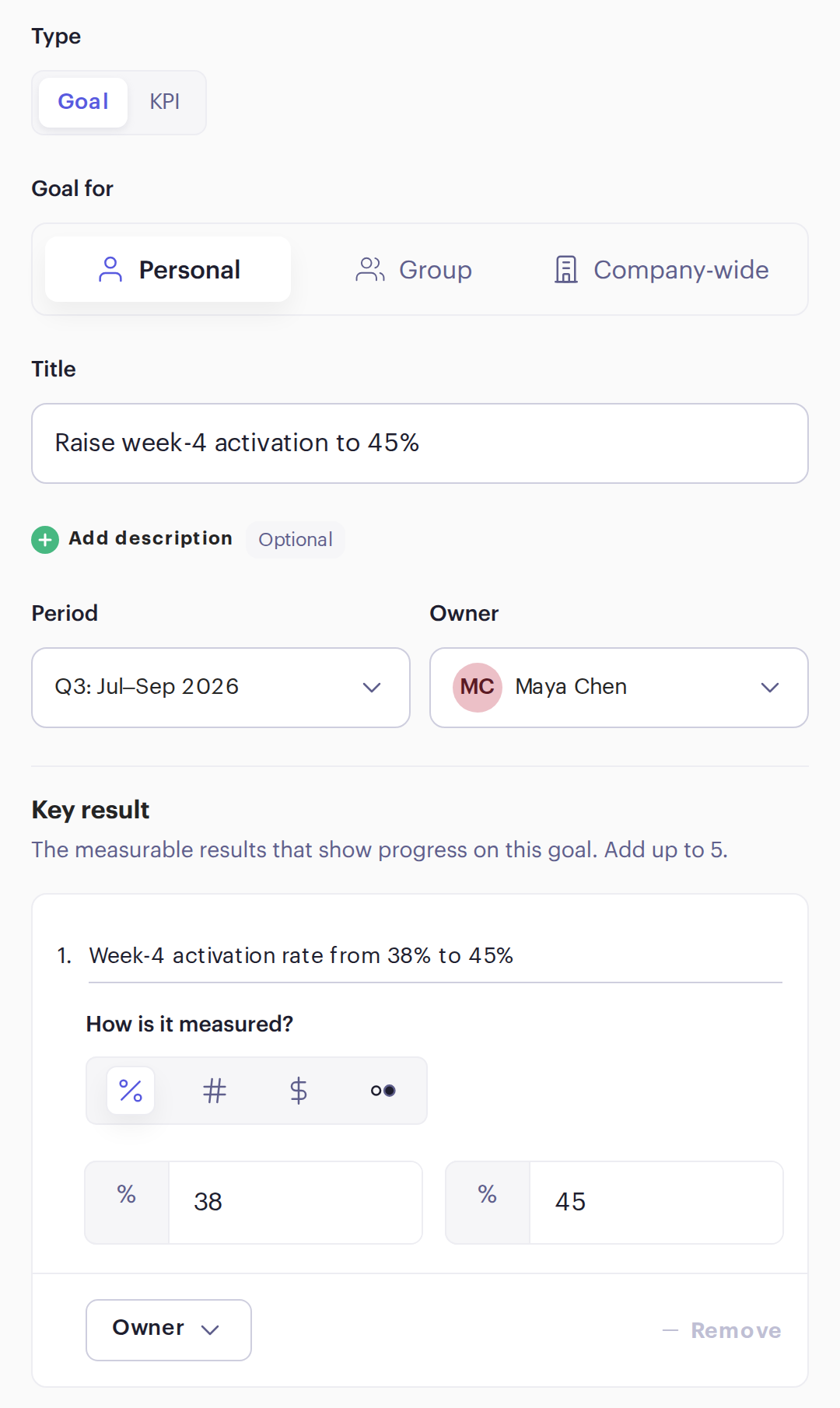

Owners update each key result and set the goal’s status: on track, at risk or behind. Teammates comment on the goal itself, and everyone sees the same numbers, not last month’s slide.
Each goal plots its progress against the pace it needs to finish on time, so a slow start shows up in week three, not at quarter-end.

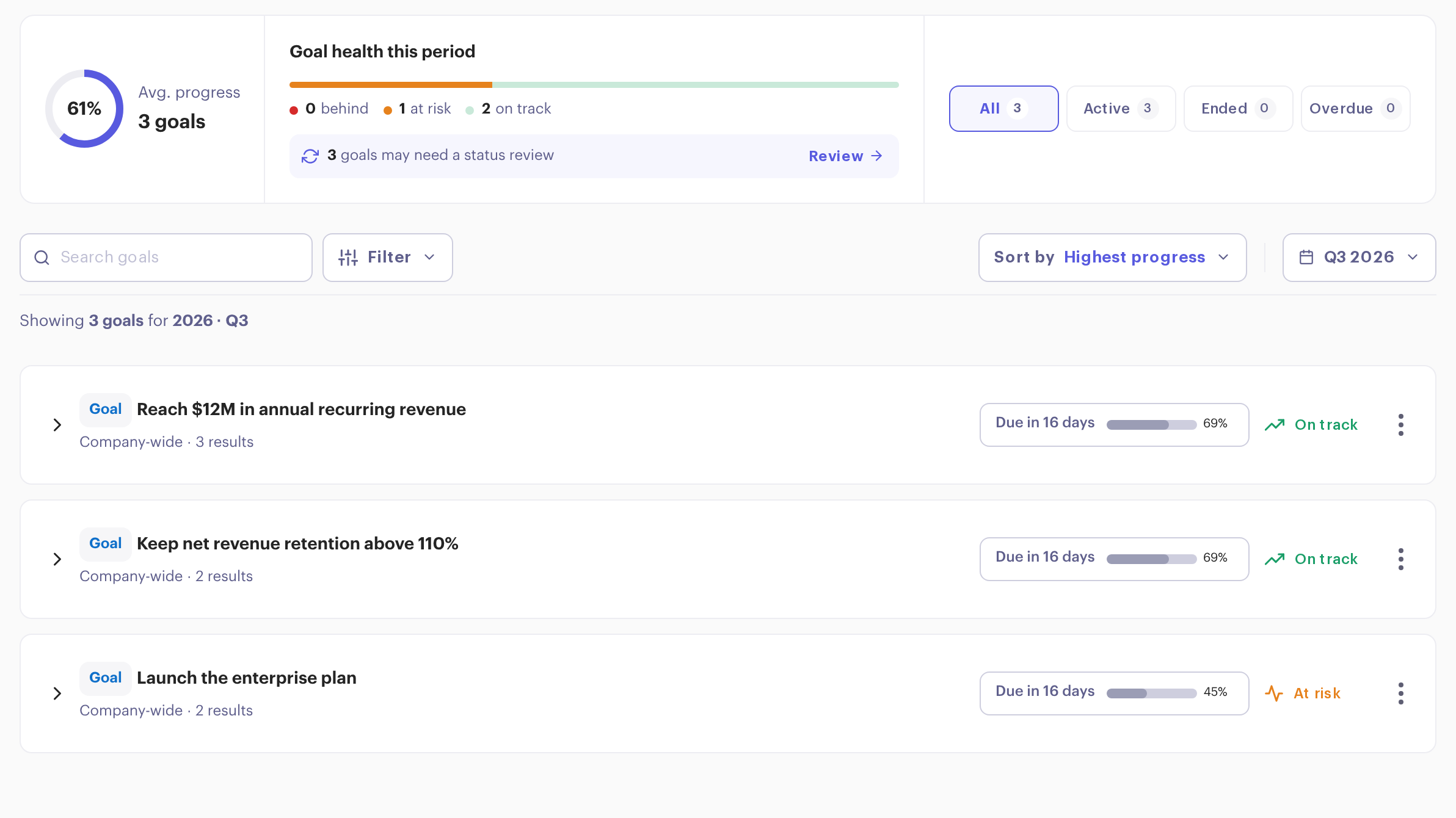
Switch between My Goals, Team Goals and All Goals. See how many are on track, filter by status, and spot goals that haven’t had a status update in a while.

Add a goal reflection to any check-in cycle. People see their active goals and write how they’re going, so progress and the story behind it land in the same place.
“Personally, it has helped me with my managerial skills.”

Something else? Book a demo and we’ll answer your questions.
New to OKRs? Read our free OKR guide or browse 100 OKR examples.
No. Set goals with key results, track KPIs, or use both.
Yes. Workspace admins can rename goals and key results to match how your team talks about them.
Link each goal to the one above it. The All Goals view shows the whole tree, and which goals aren’t aligned to anything yet.
Whenever progress changes. Add a goal reflection to a weekly check-in and people report on their goals as part of their update.